You've booked an email with us...

Let's build an email together

We have put together this handy guide that tells you best practice, what we need from you, and when.

1. Main message

Let us know the main message you’d like to convey to our audience and what you hope to gain by sending the email.

This helps our design team ensure the focus of the email is on the thing you most want to shout about, which is especially important if you have a complex business that has multiple revenue streams.

Some possible aims include:

  • Promoting a new product, range or service

  • Promoting an offer, deal or sale

  • Raising awareness of your business or brand

  • Generating interest in an event

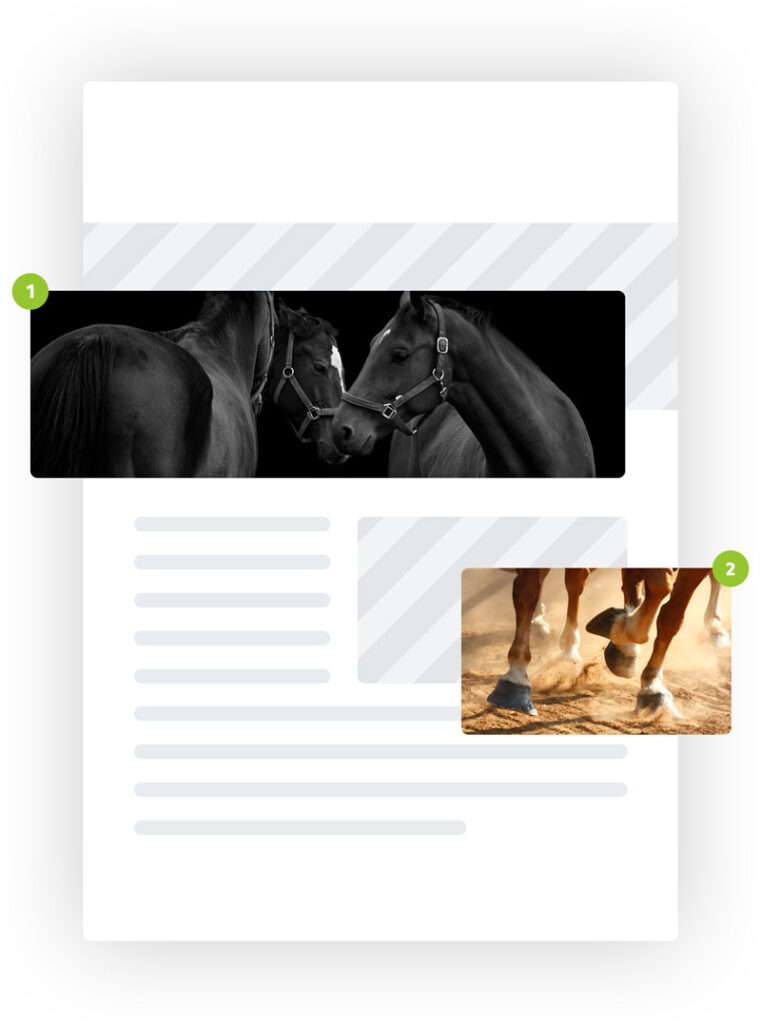
Mockup showing the placement of different images in an email

2. Images

Please provide a minimum of three images, including one that can be used as a header image and at least two that can be used in the body of the email.

Mockup showing the placement of different images in an email

Specifications

Header or full-width image  

  • Size: Minimum of 700px width

  • Format: JPG or PNG

  • File size: Maximum of 400kb

Body images  

  • Size: Minimum of 500px width

  • Format: JPG or PNG

  • File size: Maximum of 200kb

3. Logo

In addition to the images you provide, please also provide us with a logo for your business that can be used in the header of your email.

Example of where a business logo sits at the top of an email

Specifications

  • Size: Minimum of 400px width

  • Format: PNG with a transparent background

  • File size: Maximum of 200kb

Example of where a business logo sits at the top of an email
Toggle to see
Desktop
Mobile

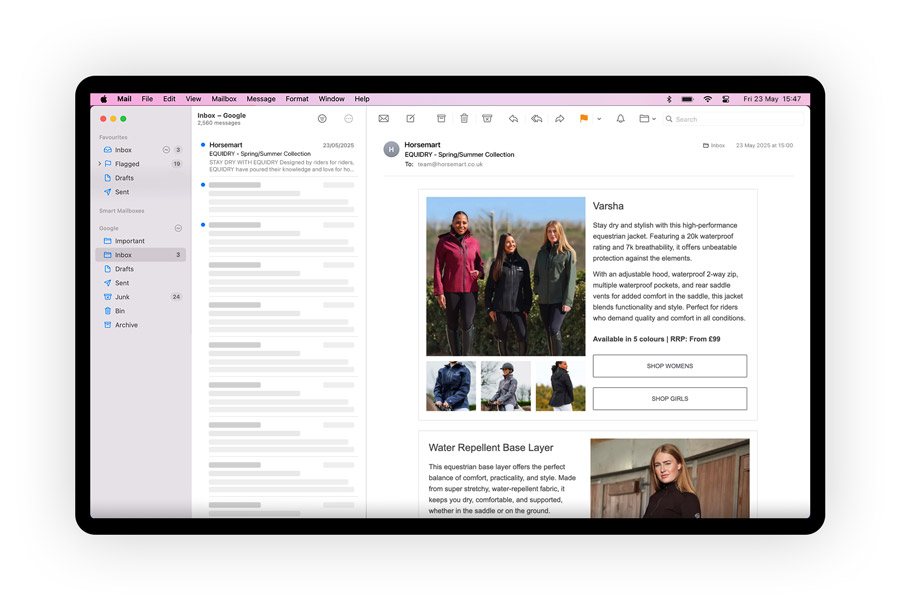
Lengthy block of text in an email, shown on desktop

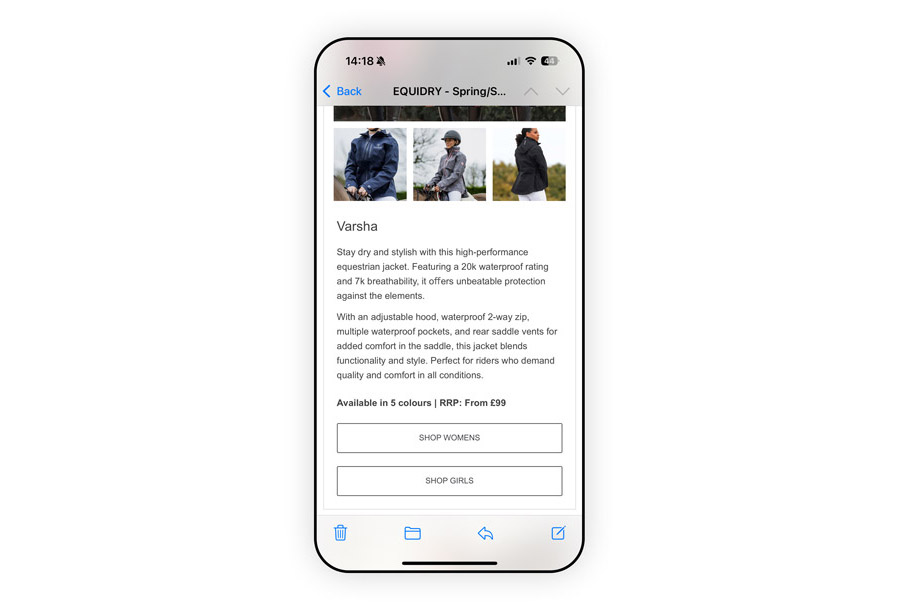
Lengthy block of text in an email, shown on mobile

4. Copy

Please provide us with the text you would like used alongside your visual assets within the email. Your email copy should lead with the main message you want to convey. Keep it as short and succinct as possible  even a short paragraph of text viewed on desktop can become a lengthy block to scroll though on mobile (see the difference in the experience by using the image switch).

Toggle to see
Desktop
Mobile

Lengthy block of text in an email, shown on desktop

Lengthy block of text in an email, shown on mobile

Please make it clear where copy should be used in titles, subtitles or body text, and give some indication of the imagery that should accompany it, where relevant.

5. Links

Please provide us with all the URLs you’d like us to include in your email, and where you like each one to be used (e.g. on a particular image, button, etc).

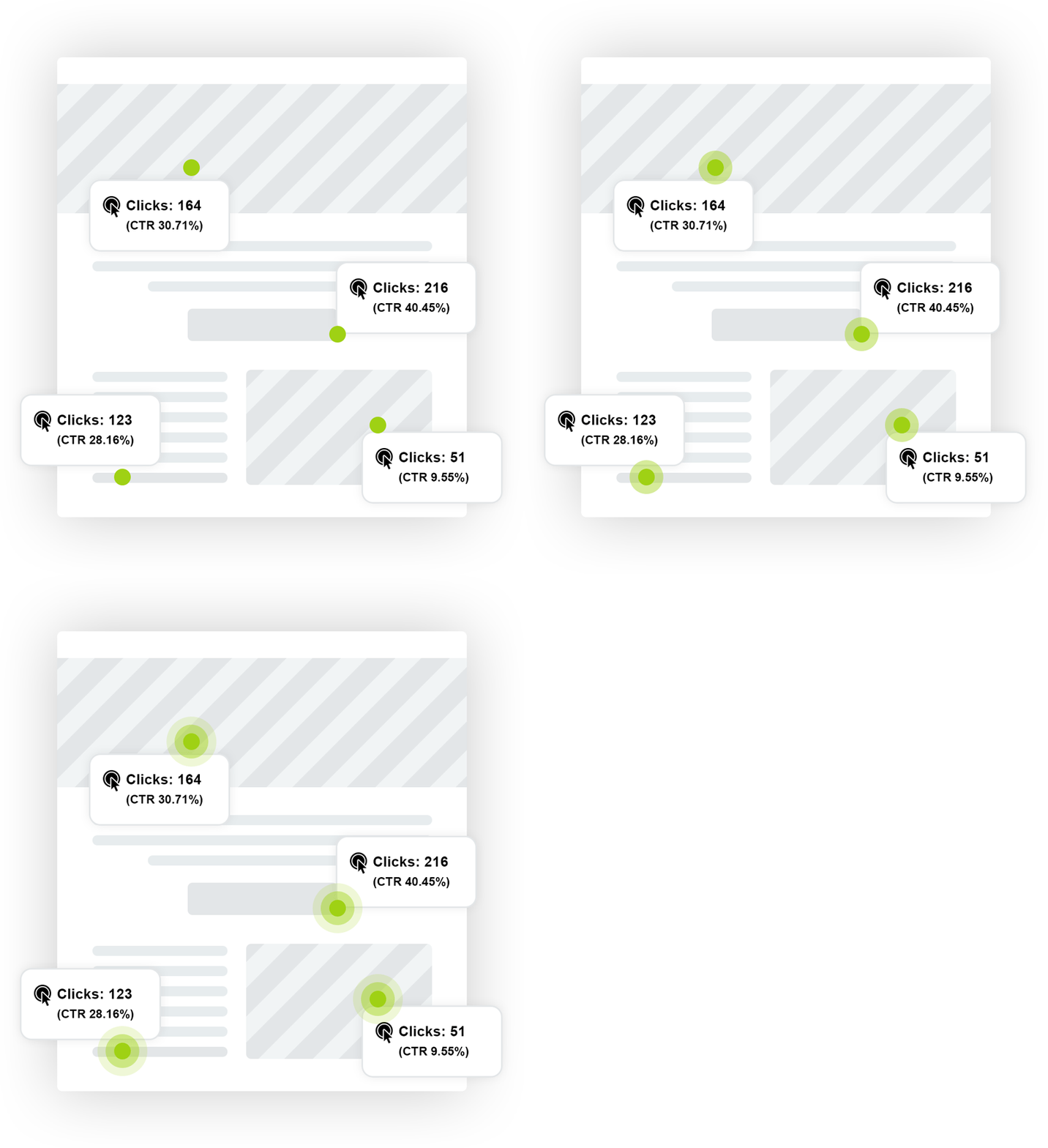
Illustration of link tracking

Our Email Service Provider (Dotdigital) tracks email clicks natively, but if you would like your own visibility on the traffic driven to your site, please ensure the URLs you provide us with have been correctly appended with UTM (Urchin Tracking Module) parameters that will allow you to track the traffic in your own Google Analytics account.

Illustration of link tracking
Toggle to see
Subject Line A
Subject Line B
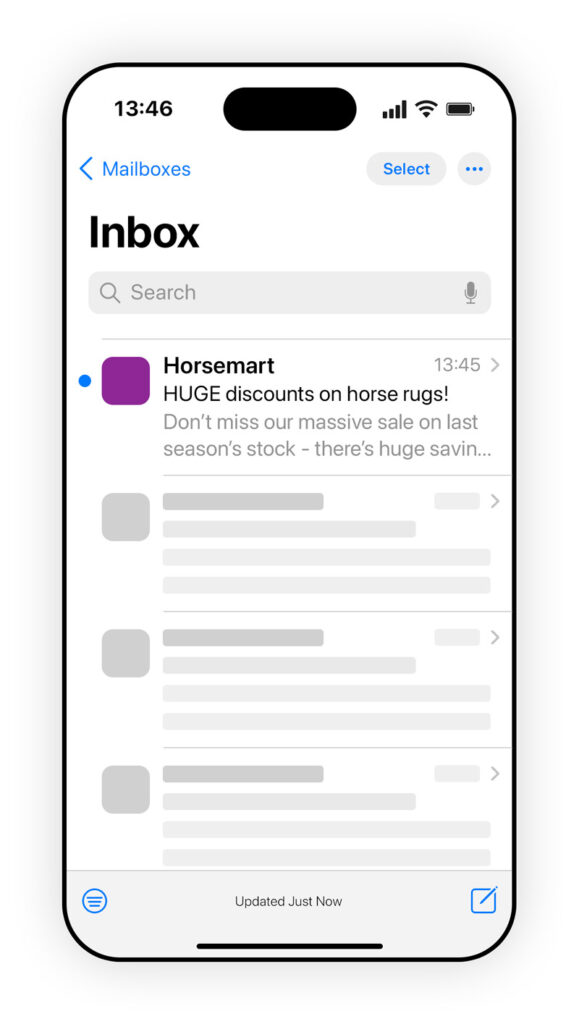
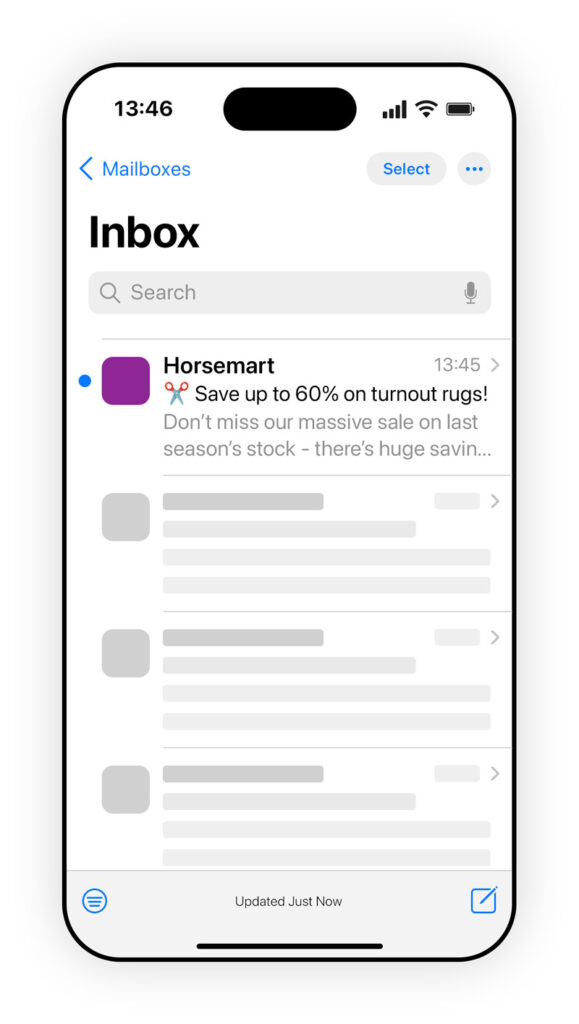
Email inbox on a phone showing 'Subject Line A'

Email inbox on a phone showing 'Subject Line B'

6. Subject lines

While our email team is happy to suggest some subject lines that they feel will help your email perform to its best, if you have some in mind that you’d like us to use, please provide them.

We split (A/B) test subject lines for all of our email campaigns as standard, to enable the best performance of the email; this process allows the contacts in the email database to determine which subject line will get the best response. For this reason, we ask that you supply a minimum of 2 subject lines for us to use in a split test.

Toggle to see
Subject A
Subject B

Email inbox on a phone showing 'Subject Line A'

Email inbox on a phone showing 'Subject Line B'

Specifications

  • Length: Maximum of 40 characters

  • Number to provide: 2 - 4

  • Focus: Your subject lines should focus on, or peak interest in, the most enticing or important part of your message - they should also give some indication of what the reader can expect to find on opening the email

7. Contact address

Please provide us with an email address to which we can send an inbox test of your email once it’s been built by our team.

Please also specify if this is a different email address to the one you’d like to be contacted on about any queries we have regarding the email build, and provide an alternative where relevant.

All assets must be provided 5 working days before the agreed send date.

Thank you for your custom!

If you have any further questions or concerns, please don’t hesitate to get in touch with your sales rep, or contact us on: mybusiness@horsemart.co.uk